- WASD: Move.
- Mouse: Aim.
- Left-click: Shoot.
- Space: Jump.
- Ctrl: Crouch.
- R: Reload.
- F: Equip the pickaxe.
- 1–5: Switch equipment slots.
- Z / X / C / V: Build structures.

















2v2.io
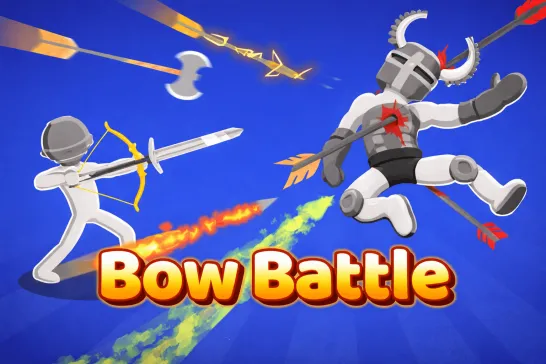
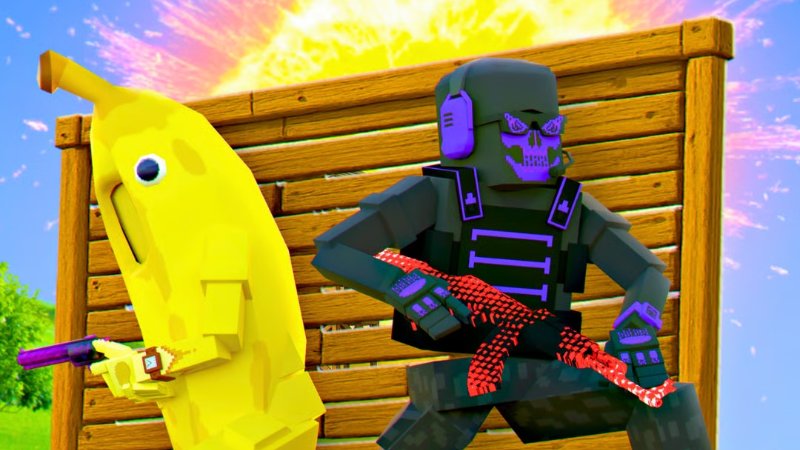
2v2.io is a multiplayer arena shooter where you can throw up a wall as soon as shots start coming in. Drop into a compact arena, pick up stronger weapons, and build wooden cover to stay in the fight. In timed duo matches, you and a partner score against rival pairs, with the highest-scoring team winning when the clock runs out. Free-for-all puts the same shooting and building skills to work on your own.
How to Play 2v2.io
Your first decision comes before you touch the ground, when you and your partner choose where to land.
Pick a Landing Spot You Can Fight From
You parachute in at the start and again after a respawn. In duos, aim for the same patch of the map as your partner so you can help each other as soon as you land. You start with weapons and can find stronger ones around the arena. Grab an upgrade when it’s safe, then regroup before taking the next fight.
Turn a Wooden Wall Into a Second Angle
Wooden structures absorb incoming shots until they break. Put a wall between you and an opponent when you need time to reload or move. While one of you holds the rival’s attention from cover, the other can move to the side for a shot. Stay close enough to help each other and leave enough space to pressure the target from two angles.
Tips to Make the Last Seconds Count
- Focus on the same opponent: A teammate can finish a fight you’ve already started, leaving the rival duo with one player in the exchange.
- Check the score before committing to a chase: If your team leads late in a timed match, regrouping after a respawn can be more valuable than rushing back alone.
- Move when your cover takes sustained fire: Use the time the wall buys you to get to another position before it breaks.
Controls Guide Detailed
- WASD: Move.
- Mouse: Aim.
- Left-click: Shoot.
- Space: Jump.
- Ctrl: Crouch.
- R: Reload.
- F: Equip the pickaxe.
- 1–5: Switch equipment slots.
- Z / X / C / V: Build structures.