
- Mouse or tap: Select a mode, open a room, or press Send.
- Keyboard: Type your room code or submit a category answer using Send.






















Puffer Party
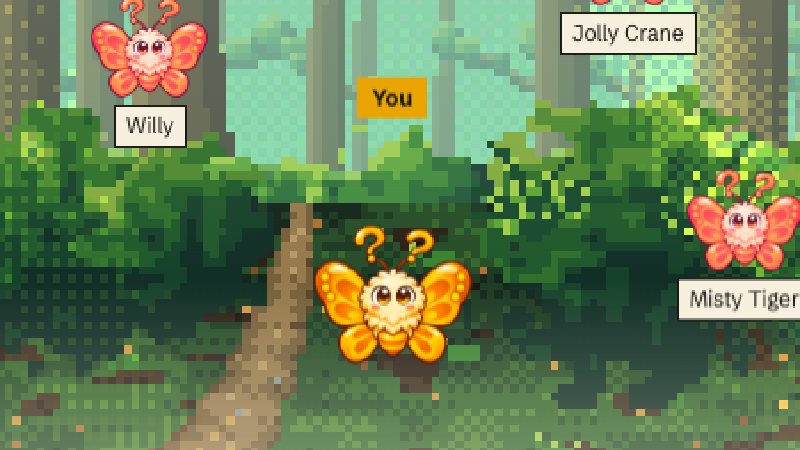
Puffer Party is a multiplayer trivia game where players take turns naming something that fits a shared category. Each answer can only be used once per round, so if someone has already said “cheddar,” you’ll need another kind of cheese. Give a valid answer to pass the pufferfish before it pops. The fuse keeps burning between turns, and whoever holds the fish when it bursts loses a heart. The last player with a heart left wins.
How to Play Puffer Party
Start by joining a public match or creating a private room with friends, then read the category as soon as the round begins.
Pass the Puffer Before It Pops
Everyone plays from the same category. On your turn, enter one answer that fits the prompt and hasn’t already been used. An accepted answer sends the fish to the next surviving player. Since passing it gives the room no fresh countdown, a turn late in the round can feel much shorter than the first. Lose your last heart and you’ll watch the rest of the match as a spectator.
Pick a Public Table or Set Up a Private Room
Choose Play Now for a quick head-to-head match, or join a larger public table for more competition over the same pool of answers. To play with friends, create a private room and share the invite link or four-letter code. Solo practice against bots is also available if you want to get comfortable with the pace.
Tips and Strategies to Win
- Keep two answers ready. If the player ahead of you uses your first choice, you can submit your backup immediately.
- Switch subcategories when obvious picks run dry. For “Name a musical instrument,” think percussion if everyone is naming strings.
- Use the clearest answer you have when time feels tight. A familiar answer that’s still available can get the fish out of your hands while you’re still trying to remember a rarer one.
Controls Guide
- Mouse or tap: Select a mode, open a room, or press Send.
- Keyboard: Type your room code or submit a category answer using Send.